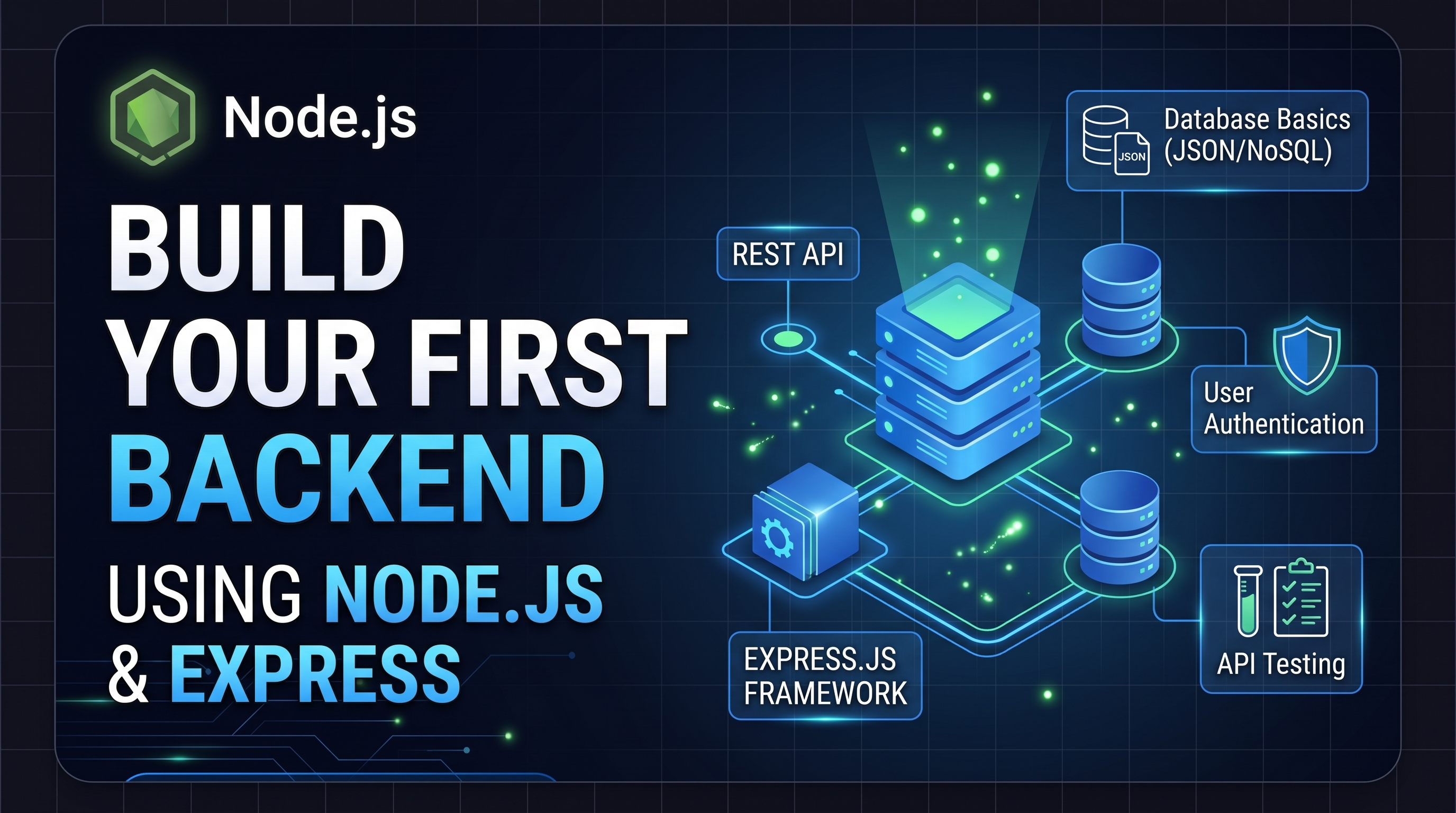
Building your first backend might feel overwhelming, but with Node.js and Express, you can create a robust and fast REST API in just a few minutes.
1. Prerequisites
Before writing code, make sure you have the following installed on your machine:
- Node.js (v18 or newer) and
npm - A code editor like VS Code
- An API testing tool like Postman or Thunder Client
2. Initialize Your Project
Create a new directory and initialize your project to generate a package.json file:
mkdir my-first-backend
cd my-first-backend
npm init -y
3. Install Express
Install Express.js, the most popular minimalist web framework for Node.js:
npm install express4. Create the Server
Create a file named index.js and add the following server code:
const express = require('express');
const app = express();
const PORT = 3000;// Middleware to parse JSON bodies
app.use(express.json());
// Root route
app.get('/', (req, res) => {
  res.json({ message: 'Welcome to my first Node.js API!' });
});
// A simple GET endpoint
app.get('/api/users', (req, res) => {
  const users = [
    { id: 1, name: 'Alice', role: 'Developer' },
    { id: 2, name: 'Bob', role: 'Designer' }
  ];
  res.status(200).json(users);
});
// Start the server
app.listen(PORT, () => {
  console.log(Server is running at http://localhost:${PORT});
});
5. Run and Test Your Server
Start your server using the following command:
node index.jsOpen your browser or Postman and visit http://localhost:3000/api/users to view your JSON response.